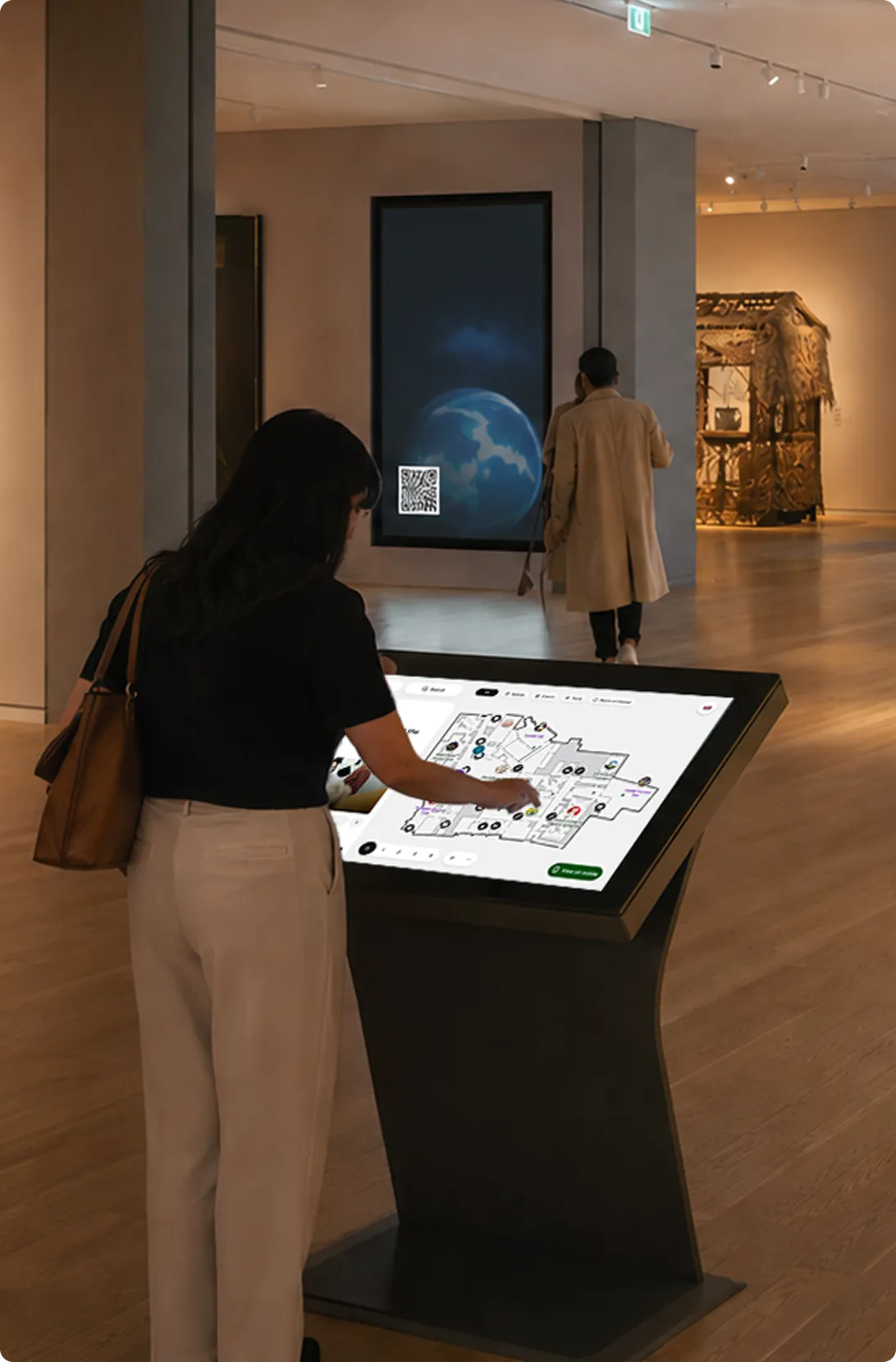
Roll out the red carpet
Turn any touchscreen into a premium digital concierge, without months of custom development or the complexity of a bespoke build.
A great visitor experience starts the moment they arrive
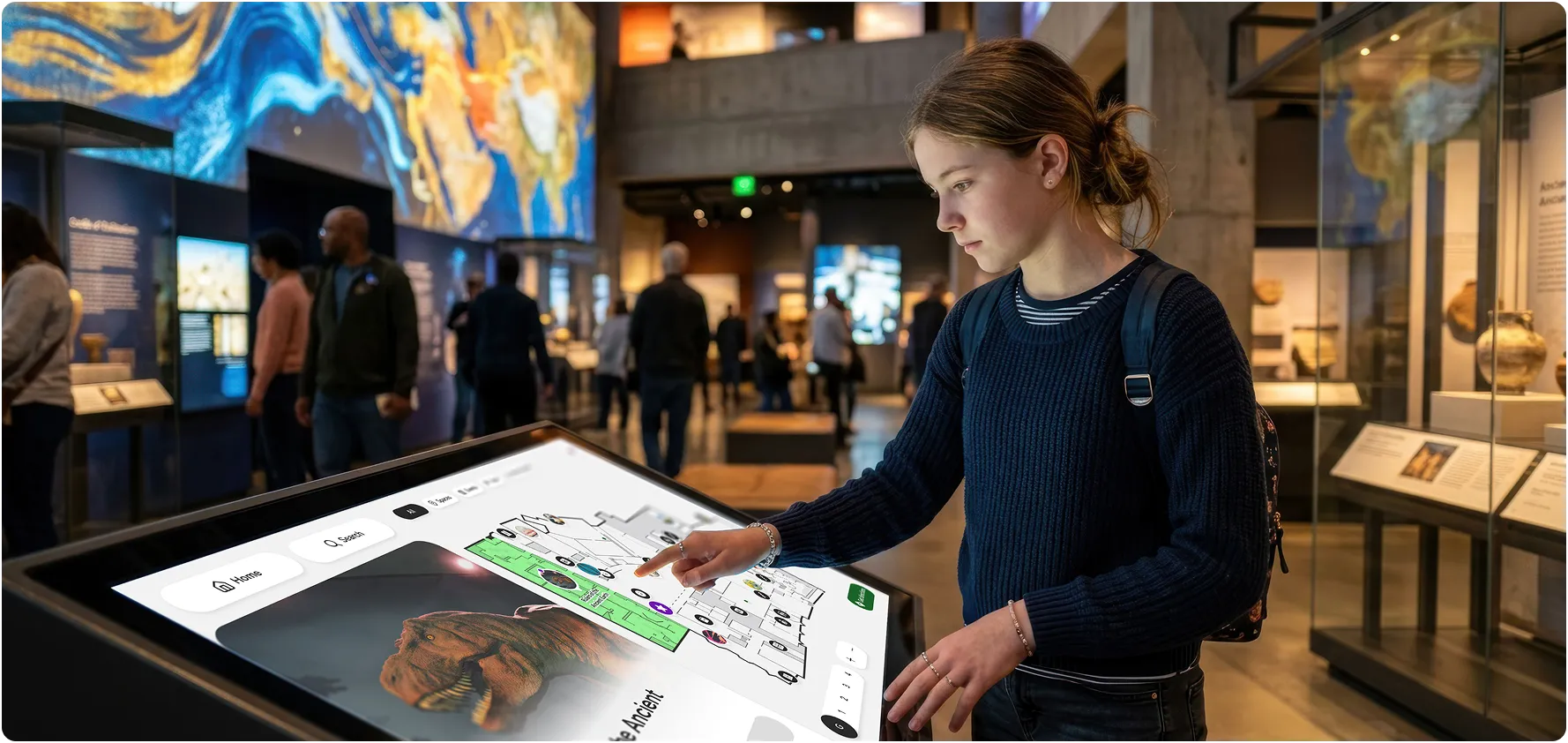
Welcome, orient and guide visitors at key arrival moments, then let them seamlessly continue on their own device.
Arrive
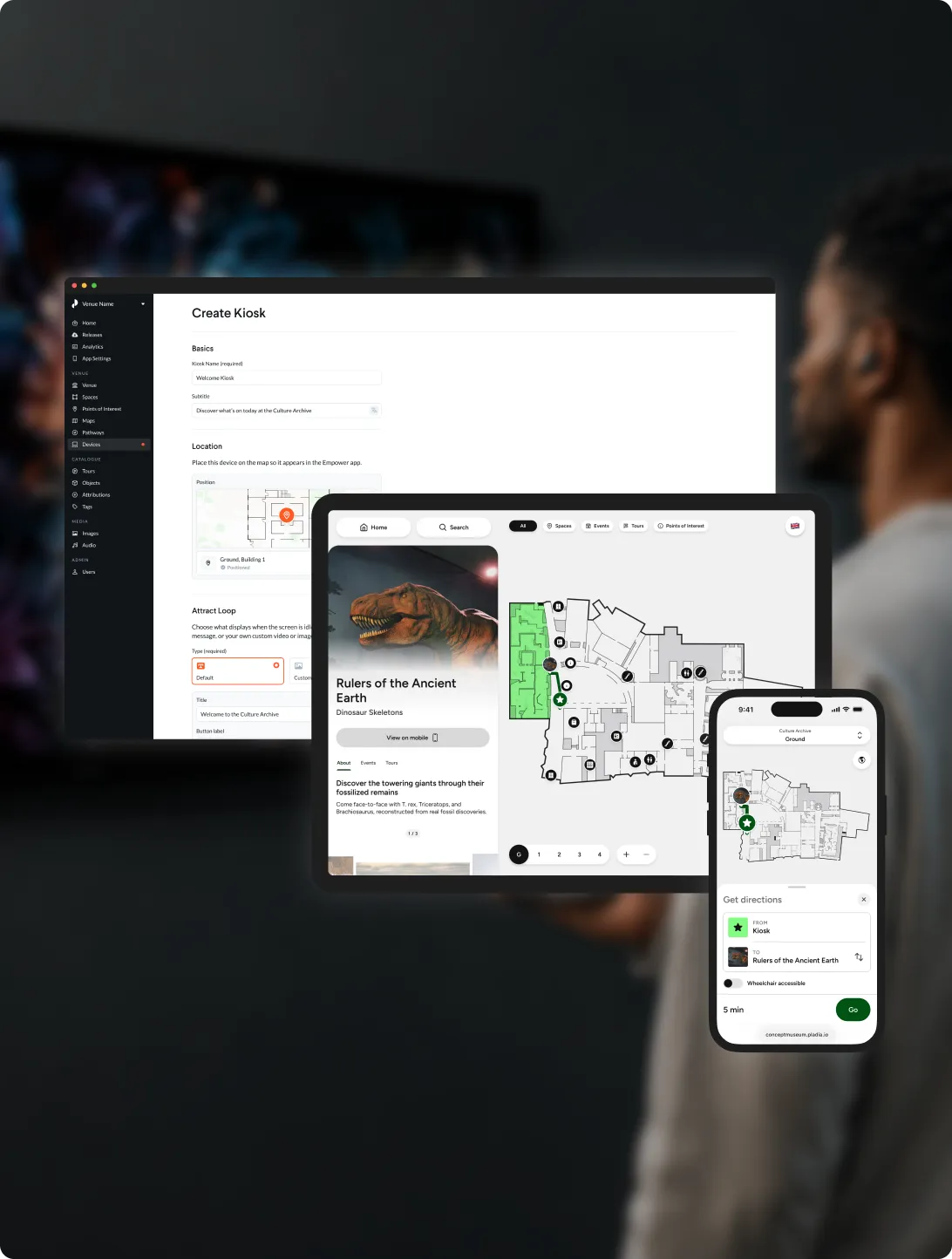
Welcome visitors with your own attract loop video that promotes your venue, advertises available languages and provides an optional instant QR handover to continue on their own device.
Discover
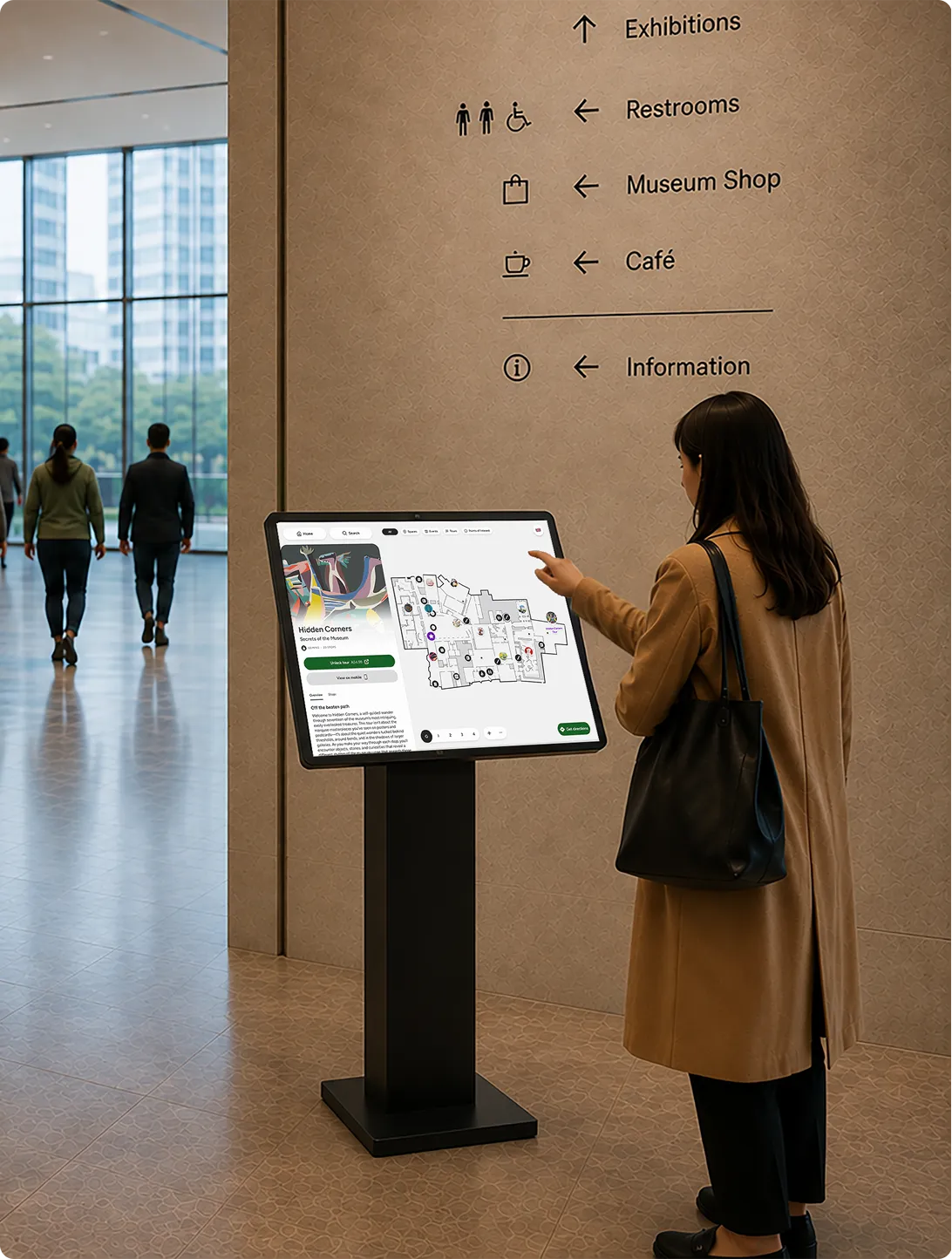
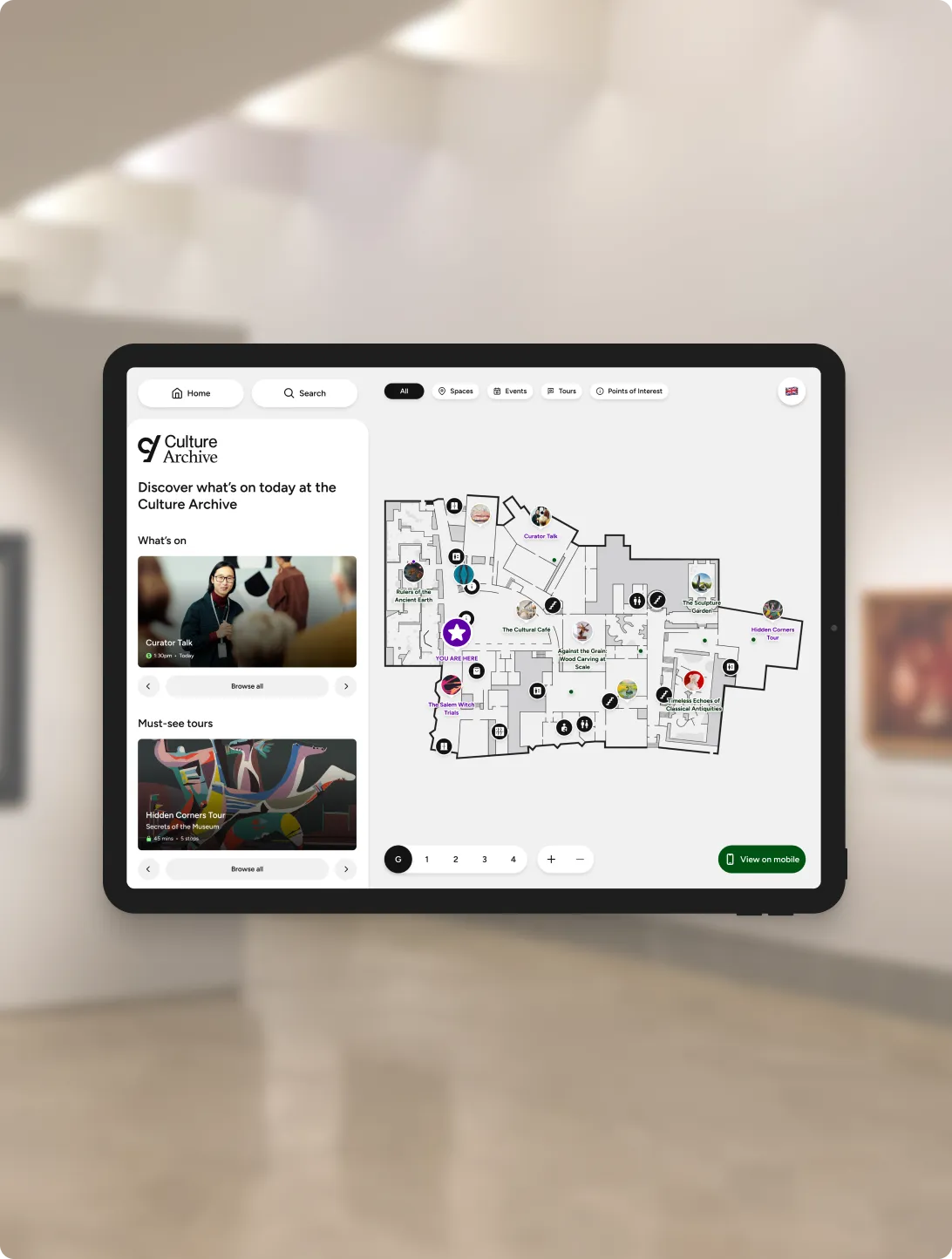
Configure your landing page to showcase your venue’s events, tours, points of interest and more. Your interactive map instantly shows visitors where they are.
Continue
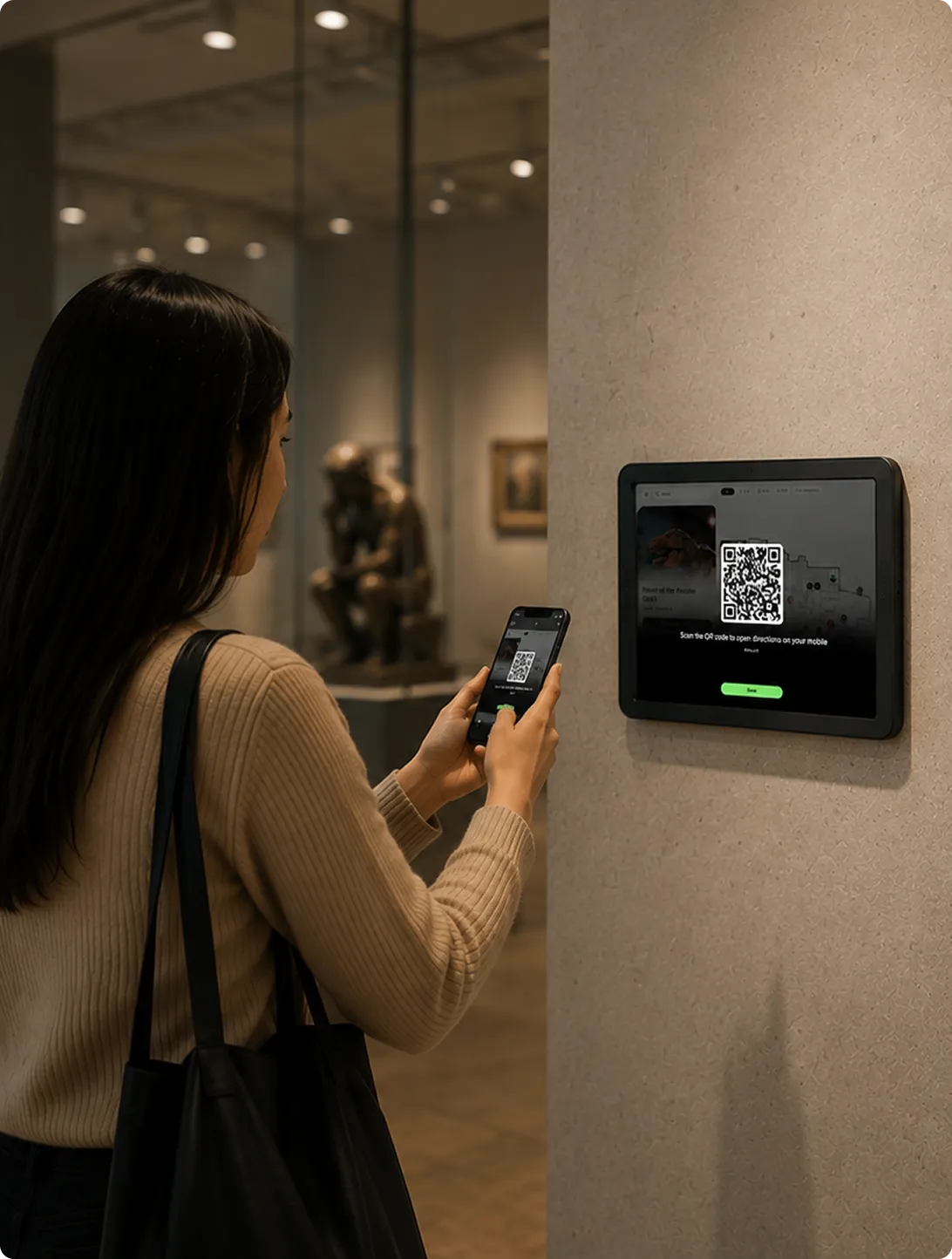
Once your visitor has selected an experience or location, they can scan to continue on their own device.
The Welcome Kiosk acts is an extension of the full Empower mobile product offering including integrated way-finding and more.
Add the features you need
Interactive Maps

Accessibility
Visitor Analytics
A unified experience, managed in one place
Wayfinding
Help visitors find their way, then continue directions on their own device.
Pay or donate
Connect visitors to ticketing, donations and other transactions at the right moment.
See what’s on
Highlight exhibitions, events and experiences using content you already manage.
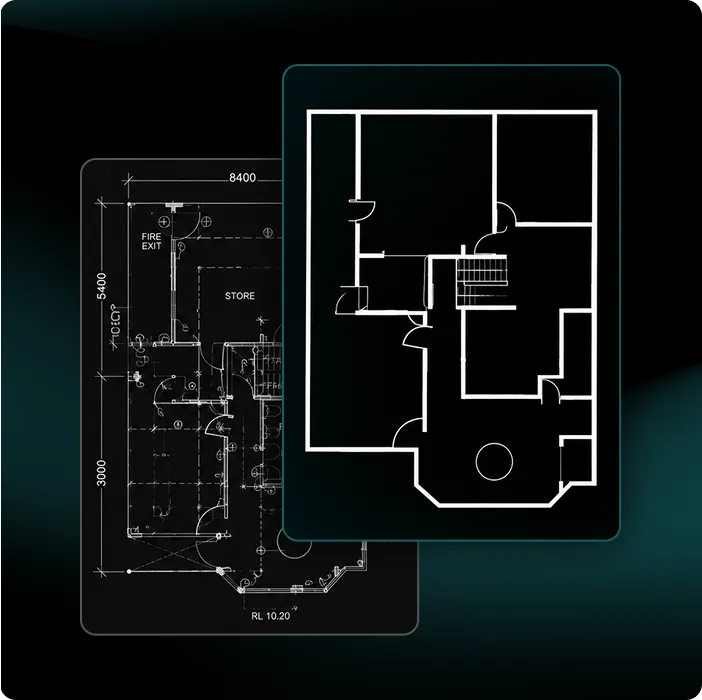
Already have a 2D map?You’re most of the way there
Start with the floor plans and content you already have, then configure your experience with simple setup tools.
simplify your map
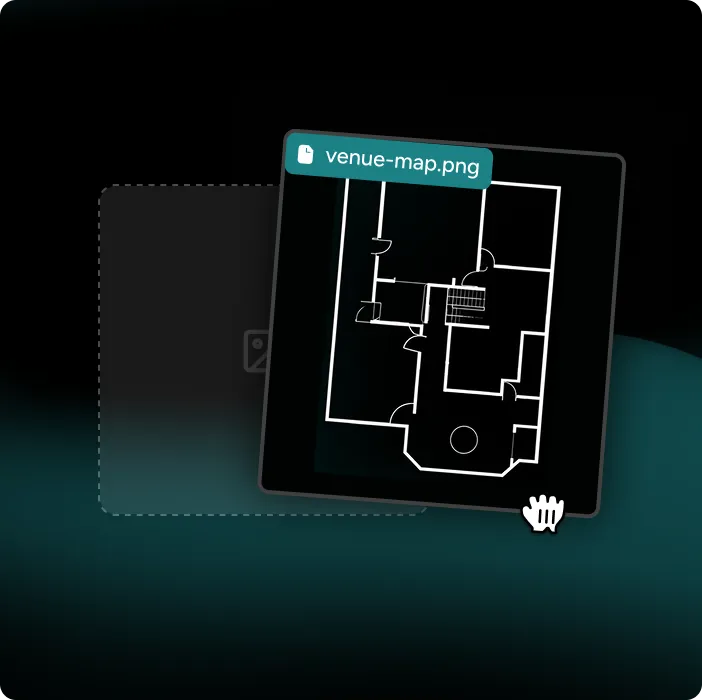
upload
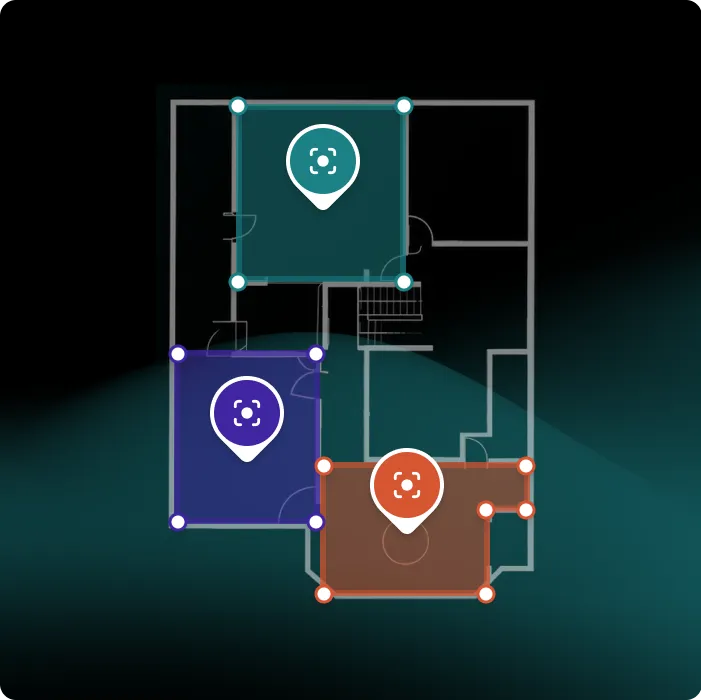
configure your content
FAQs
We don’t have a map of our venue. Can you help?
Absolutely. If you have an existing floor plan, we can prepare it for use with Welcome Kiosk. If you don’t have a suitable map, talk to us and we’ll help you find the right approach for your venue.
Do I need to buy specific hardware?
No. Welcome Kiosk is browser-based and designed to work across a range of touchscreen hardware and media players, giving you the flexibility to choose the setup that best suits your venue.
We support a wide range of platforms including BrightSign, ChromeOS, iOS, Android, and Windows.
How do I manage and update my Welcome Kiosk?
Welcome Kiosk is managed through your own Pladia console, so you can update content and experiences and access analytics from one place. If you also use Pladia Empower, your kiosk and mobile experiences can work together as one connected visitor experience.
How long does it take to get set up?
Welcome Kiosk is designed to go live in days, not months. Setup time depends on your venue, content and map requirements, but there’s no need to develop a bespoke kiosk experience from scratch.
Can I start with just one screen?
Yes. Start with a single Welcome Kiosk at a key arrival point, then add more screens and experiences as your needs evolve.
Extend
Publish high-quality, cohesive digital experiences to displays. Create engaging digital object labels, interactive kiosks, and more.