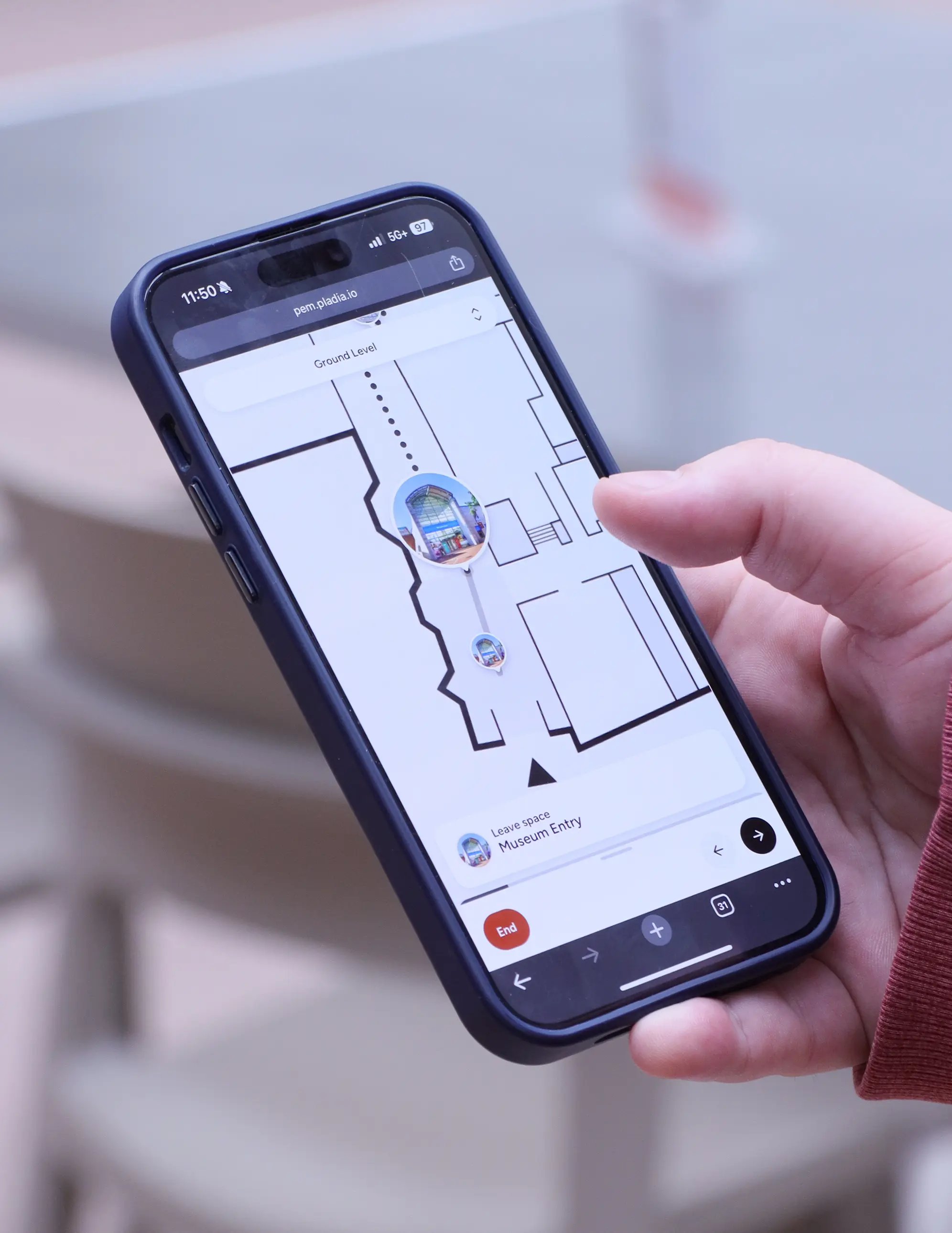
Interactive maps for complex venues
Give visitors a clear way to explore and navigate your venue, indoors and outdoors, in a single experience.

Most venue maps fall short
Printed maps and PDFs quickly become outdated, and even many digital maps are still treated as fixed assets. With Pladia, your team builds and manages your map using structured content like buildings, spaces, and points of interest, so it stays up to date as your venue evolves.
Indoor and outdoor maps, seamlessly connected
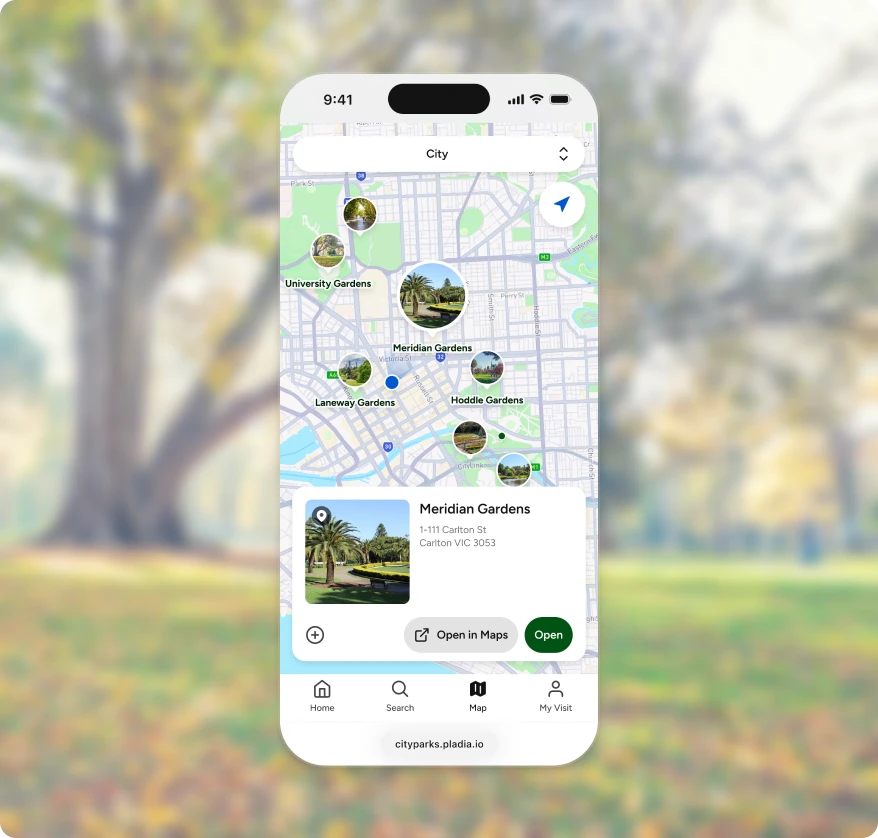
Visitors can move between floor plans and the world map by simply changing levels, with navigation continuing naturally across your entire venue.
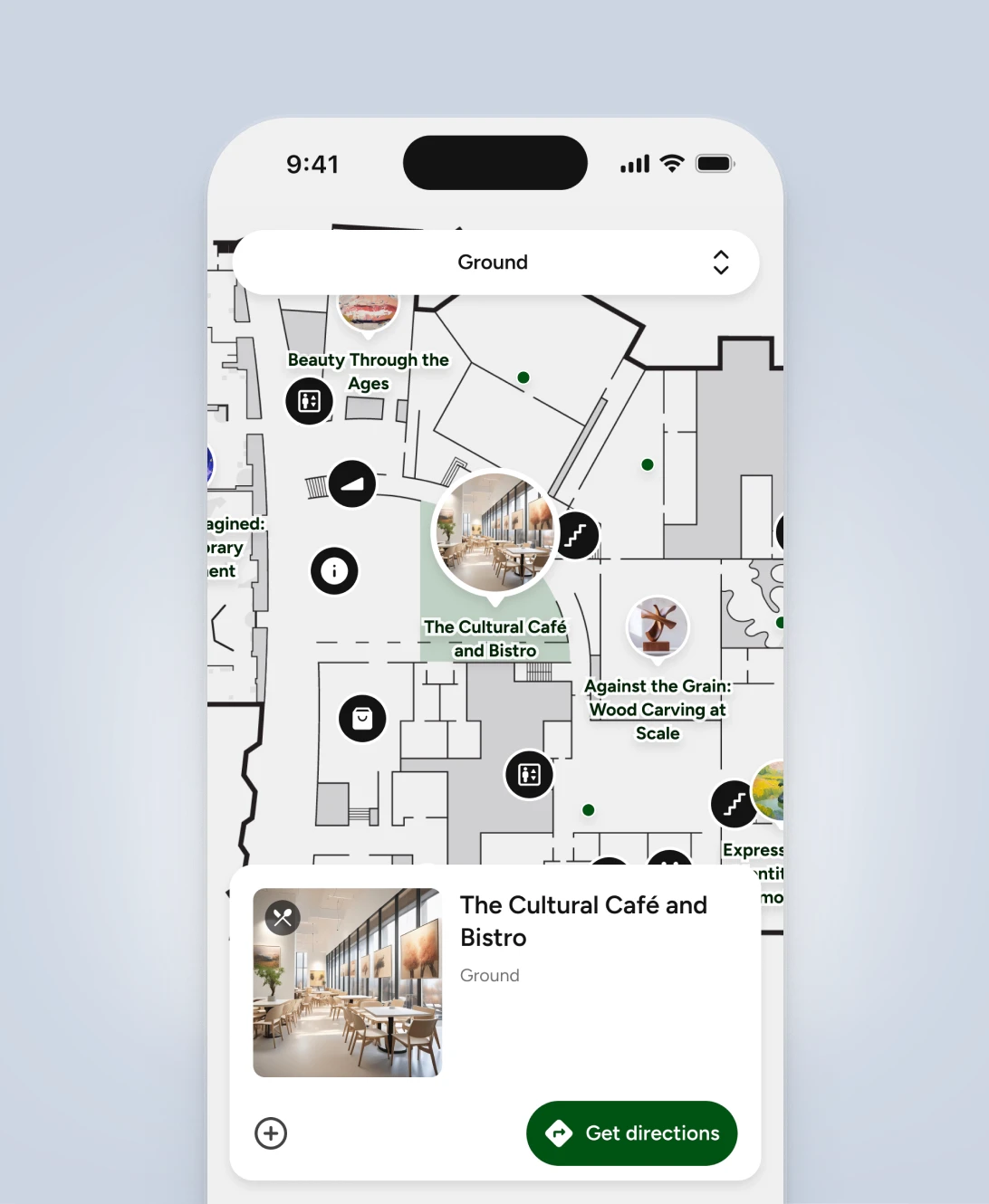
Indoor maps
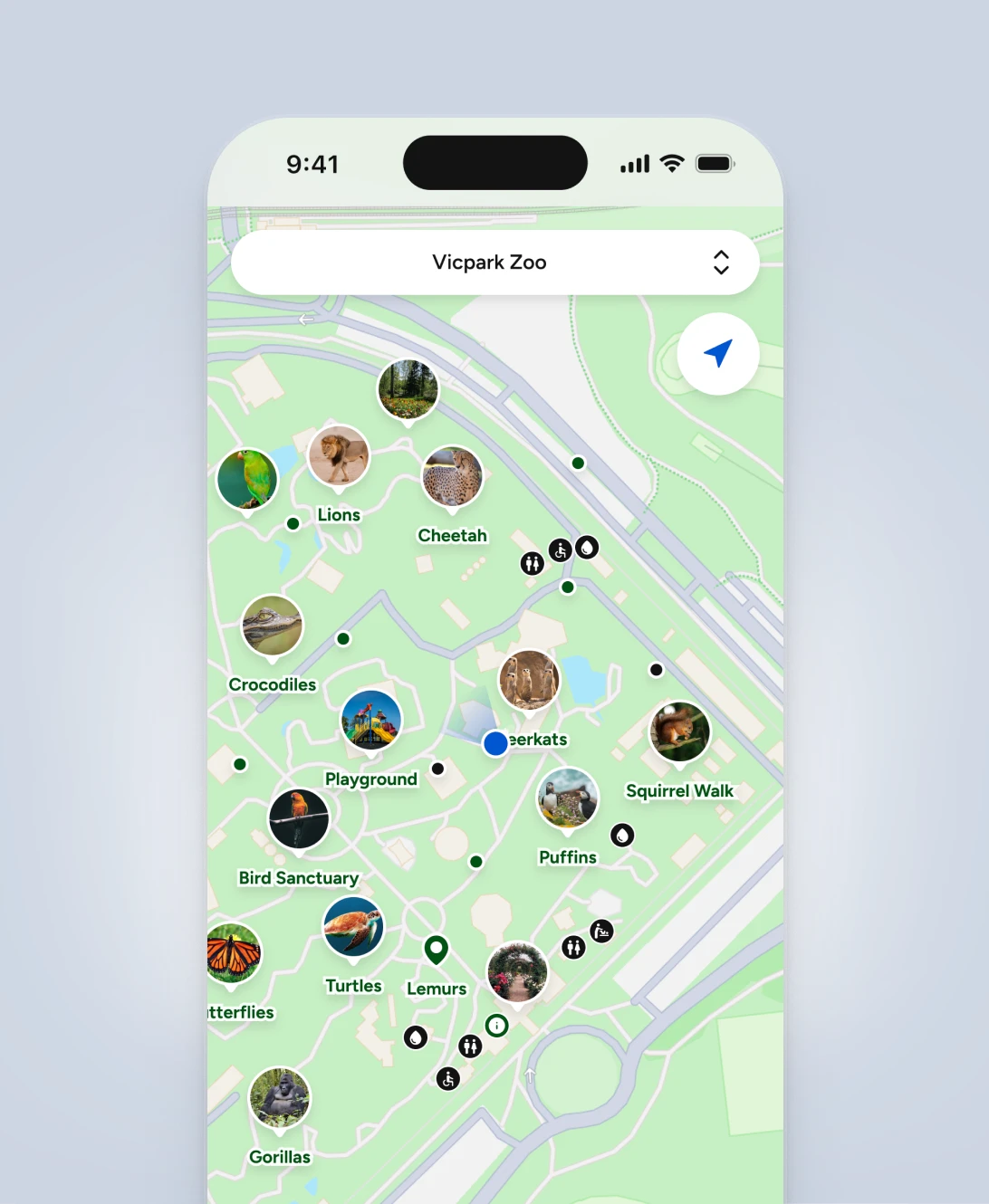
Outdoor maps
Guide visitors with Pathways
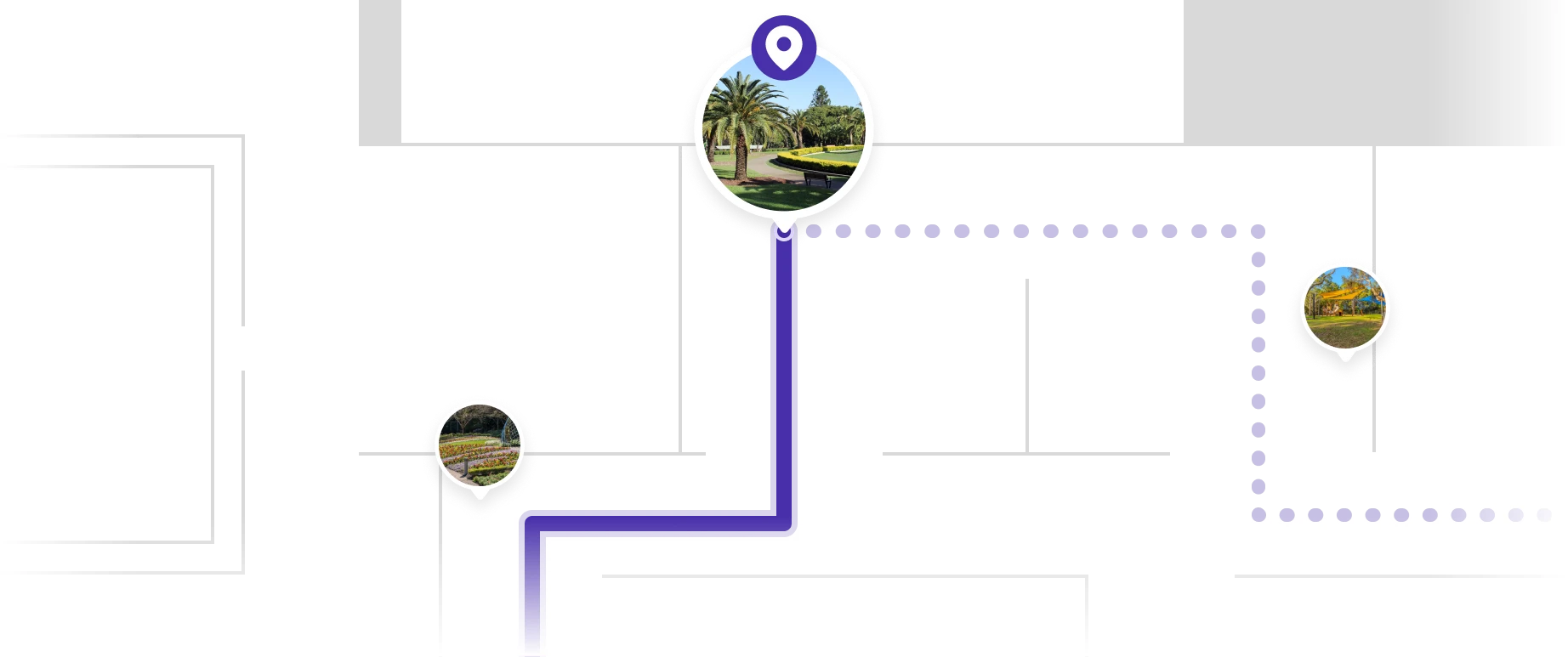
Pathways allows visitors to configure and update routes to any destination across your venue, with clear guidance throughout their journey.
Routes are generated directly from your map, helping visitors move between buildings, spaces, and points of interest.
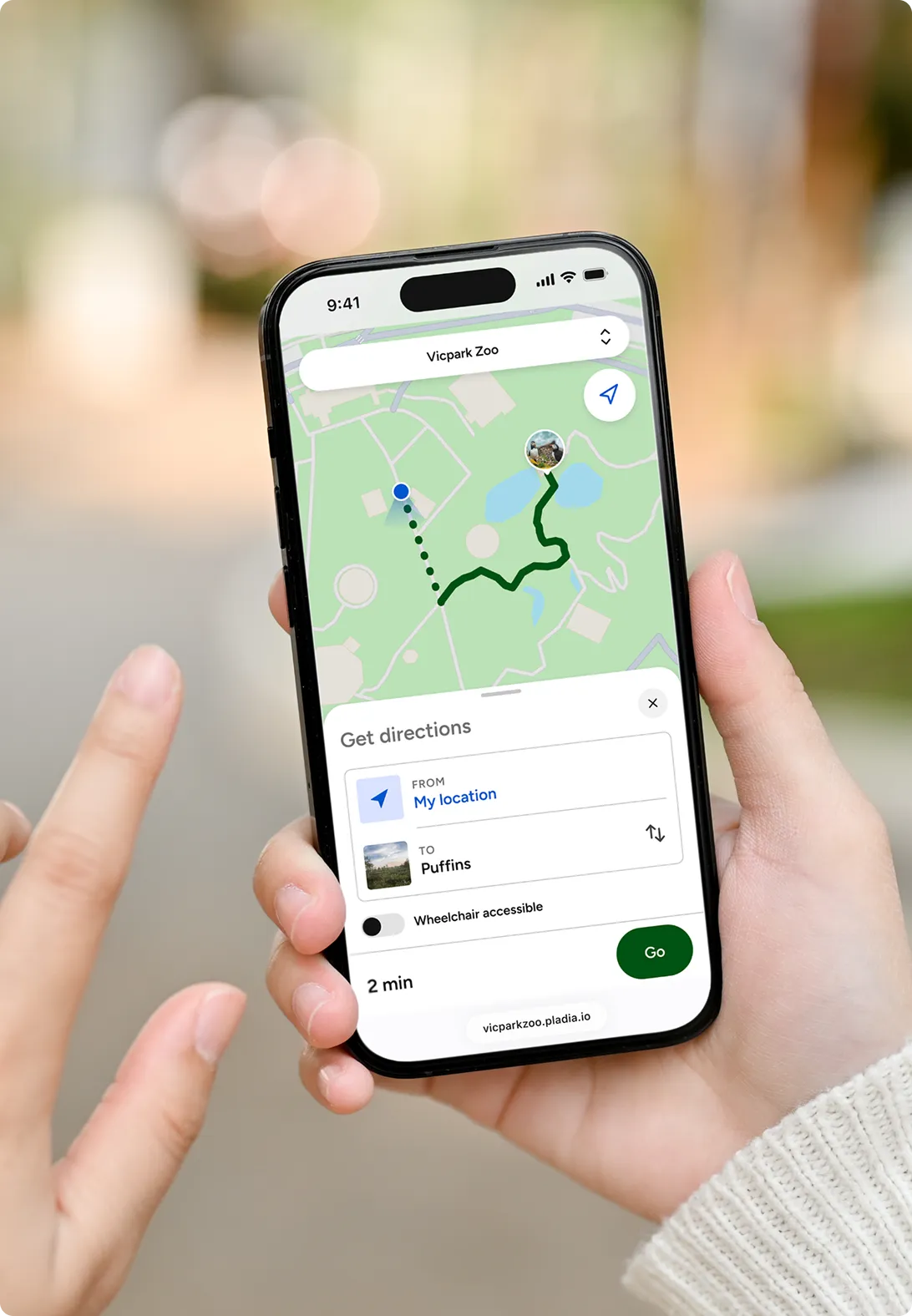
Navigation that adapts to the environment
Routes move between indoor and outdoor environments. Indoors, visitors follow step-by-step directions generated from your floor plans. Outdoors, they follow their live GPS position and see estimated walking time.

Create self-guided tours
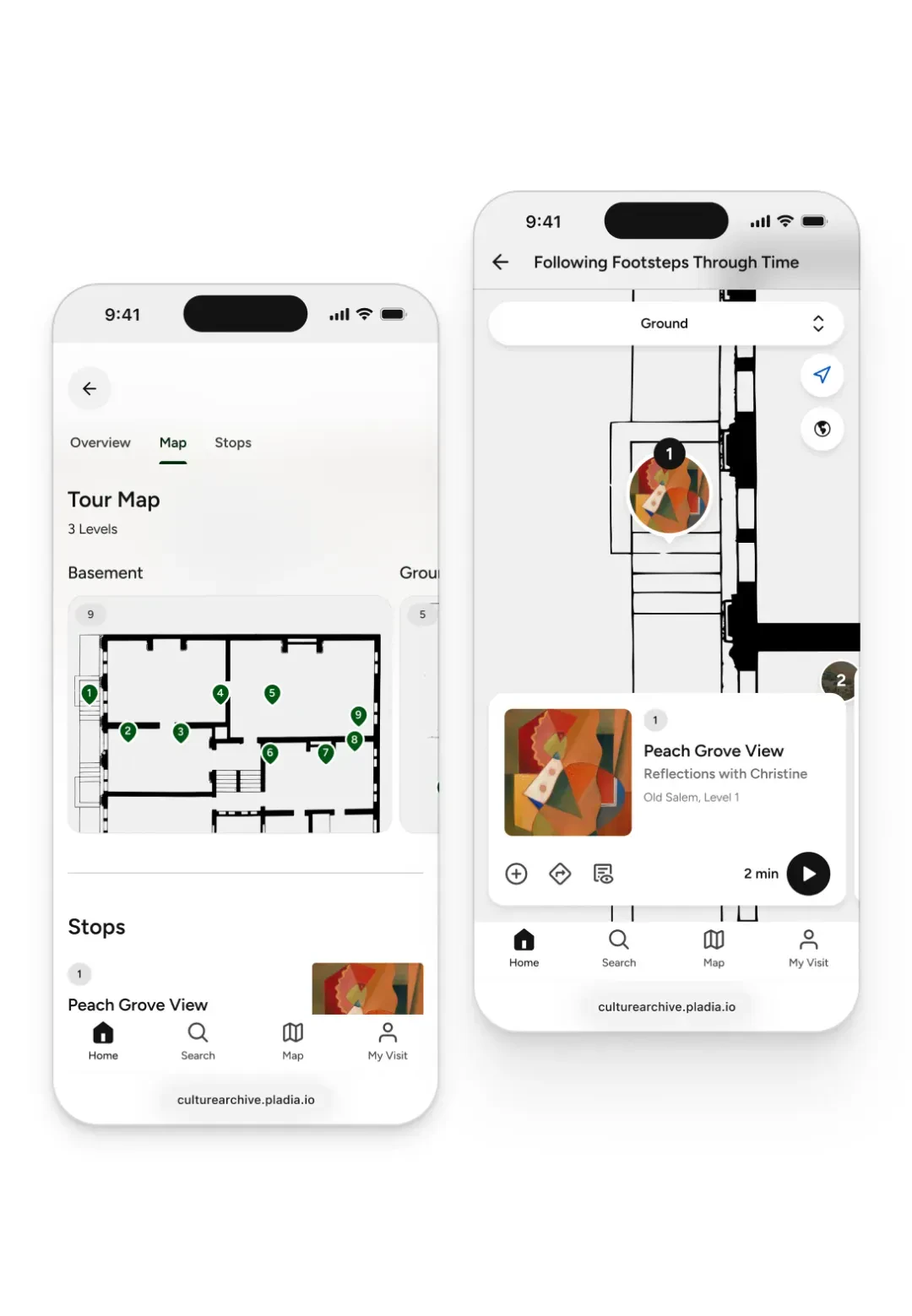
Create numbered tour stops and place them on the map to guide visitors through your venue.
Visitors can follow the sequence of stops, explore at their own pace, and navigate between locations using the map.
Creating your interactive map
Start with your existing floor plans.
Upload a PDF or vector file of each of your levels. If your current assets don’t meet your needs, you can use our Map Service, where a Pladia product designer works with your team to refine the layout, simplify the design, or focus on key areas of your venue.
Once your floor plan is ready, building your map is straightforward.

Connect places with media
Whether you are offering a free community walk or a premium paid experience, you can go from concept to launch in just three steps.
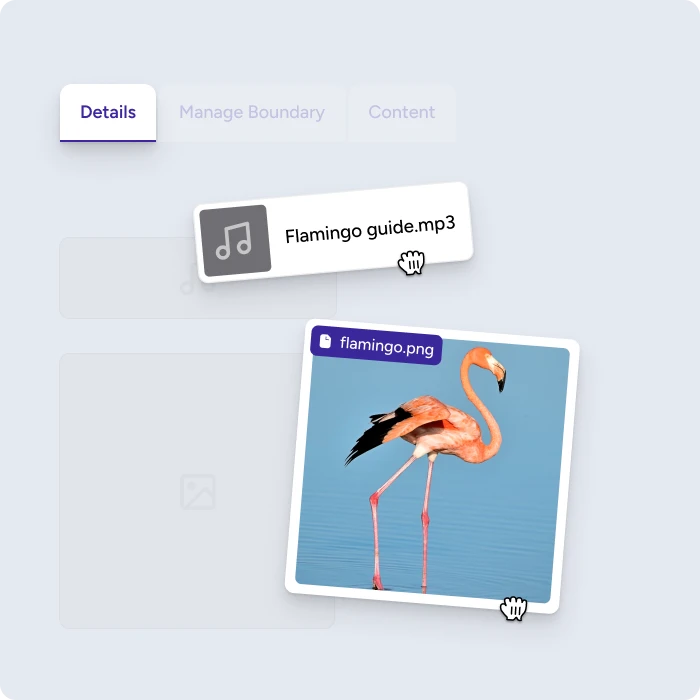
Upload content
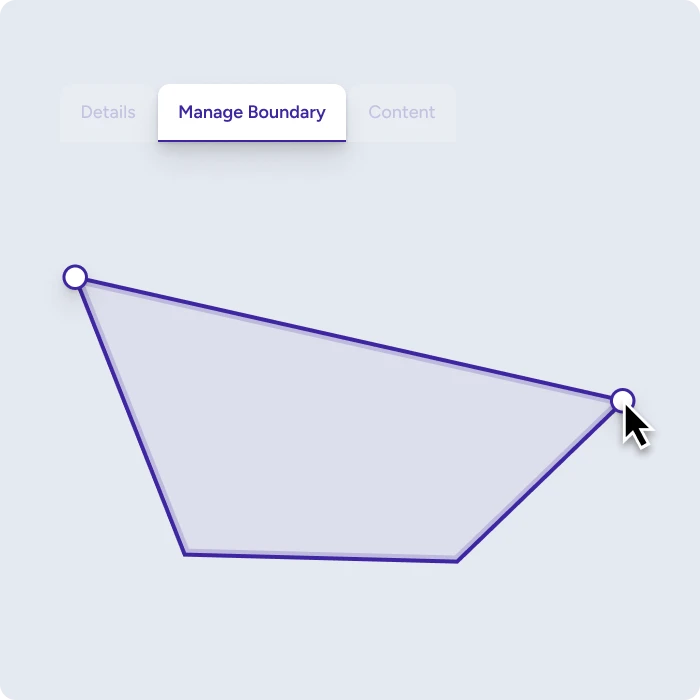
Draw your boundary
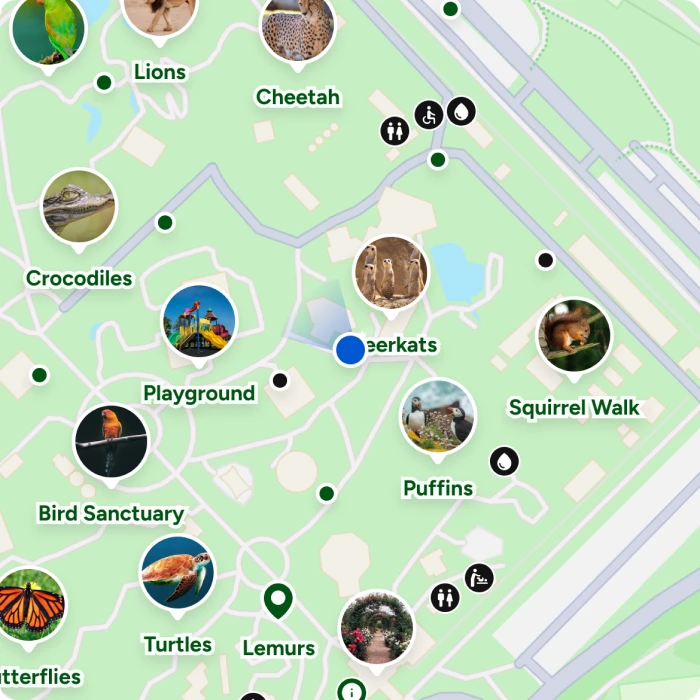
Go live
FAQs
What is an interactive map for venues?
An interactive map allows visitors to explore and navigate a venue using their mobile device. Unlike static maps, it updates dynamically and lets visitors view locations, access content, and generate routes across indoor and outdoor spaces.
How do interactive maps improve visitor experience?
Interactive maps help visitors understand where they are, decide where to go, and navigate with confidence. They reduce reliance on printed maps and signage, and make it easier to explore large or complex venues.
Can I use one map for both indoor and outdoor navigation?
Yes. Pladia supports both indoor floor plans and outdoor geographic maps in a single system. Visitors can move between them by changing levels, with navigation continuing across buildings and open spaces.
How does navigation work?
Pladia’s unique Pathways feature supports both indoor and outdoor navigation.
Indoors, it generates step-by-step directions based on your floor plans, guiding visitors through structured environments like rooms, corridors, and stairways. Outdoors, it uses GPS to show a visitor’s live position on a geographic map, with estimated walking time to their destination.
All of this works using your map and content, without requiring additional hardware such as beacons or indoor positoning technologies.
How are maps created and maintained?
Maps are built using structured content such as buildings, spaces, and points of interest. Your team can create and update the map directly in the Pladia Console, keeping it aligned with your venue as it evolves.
Empower
Unlock a new era of visitor interaction with innovative, adaptable tools for creating a digital companion as unique as your venue.